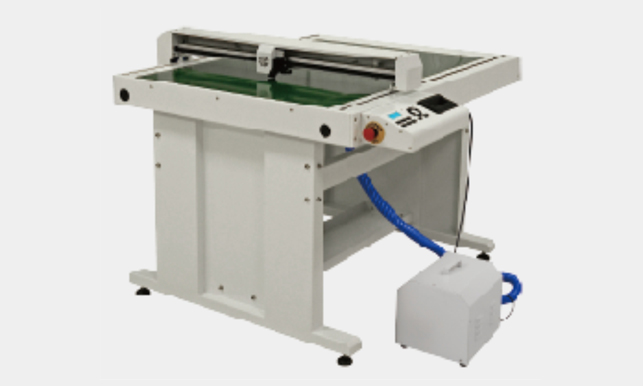
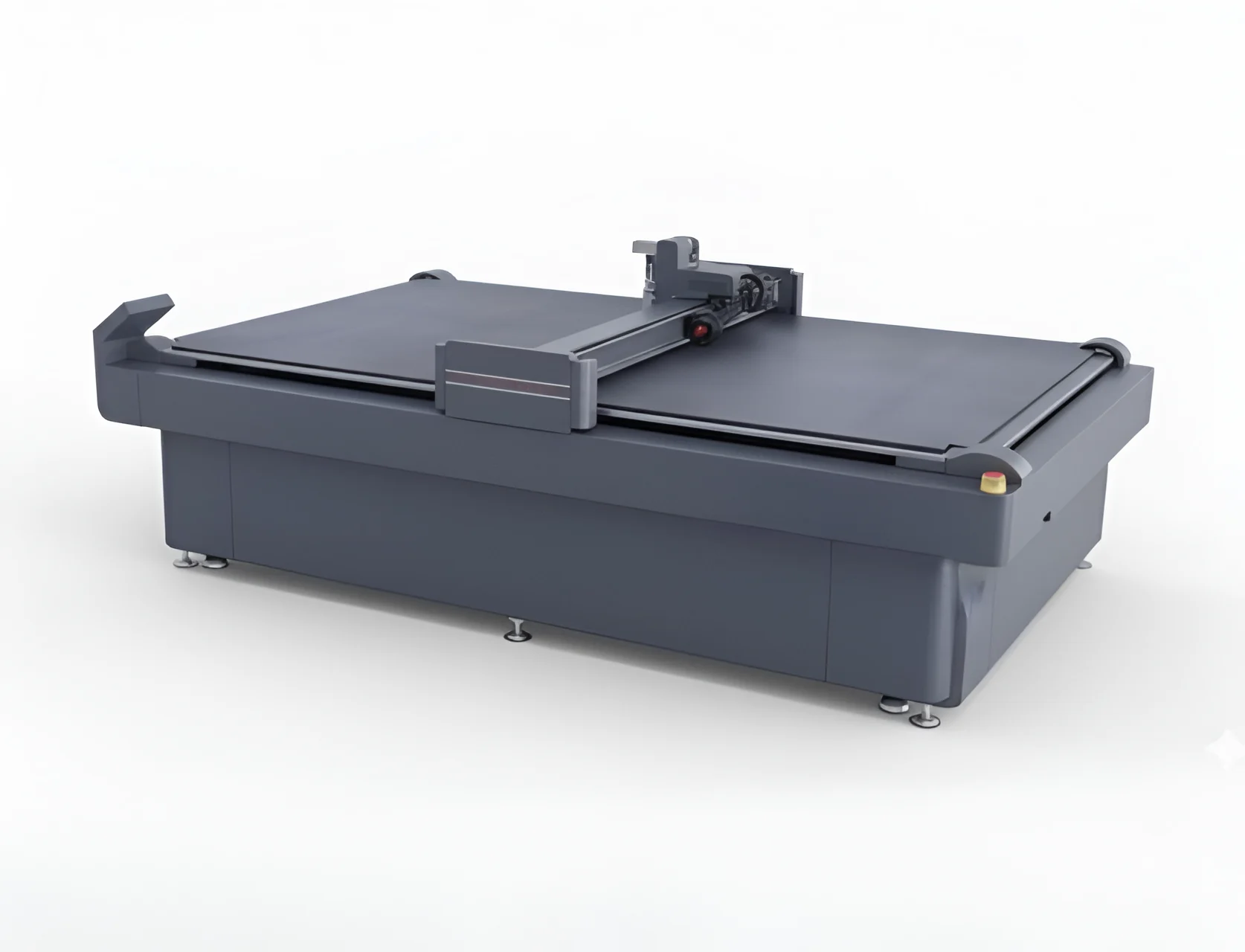
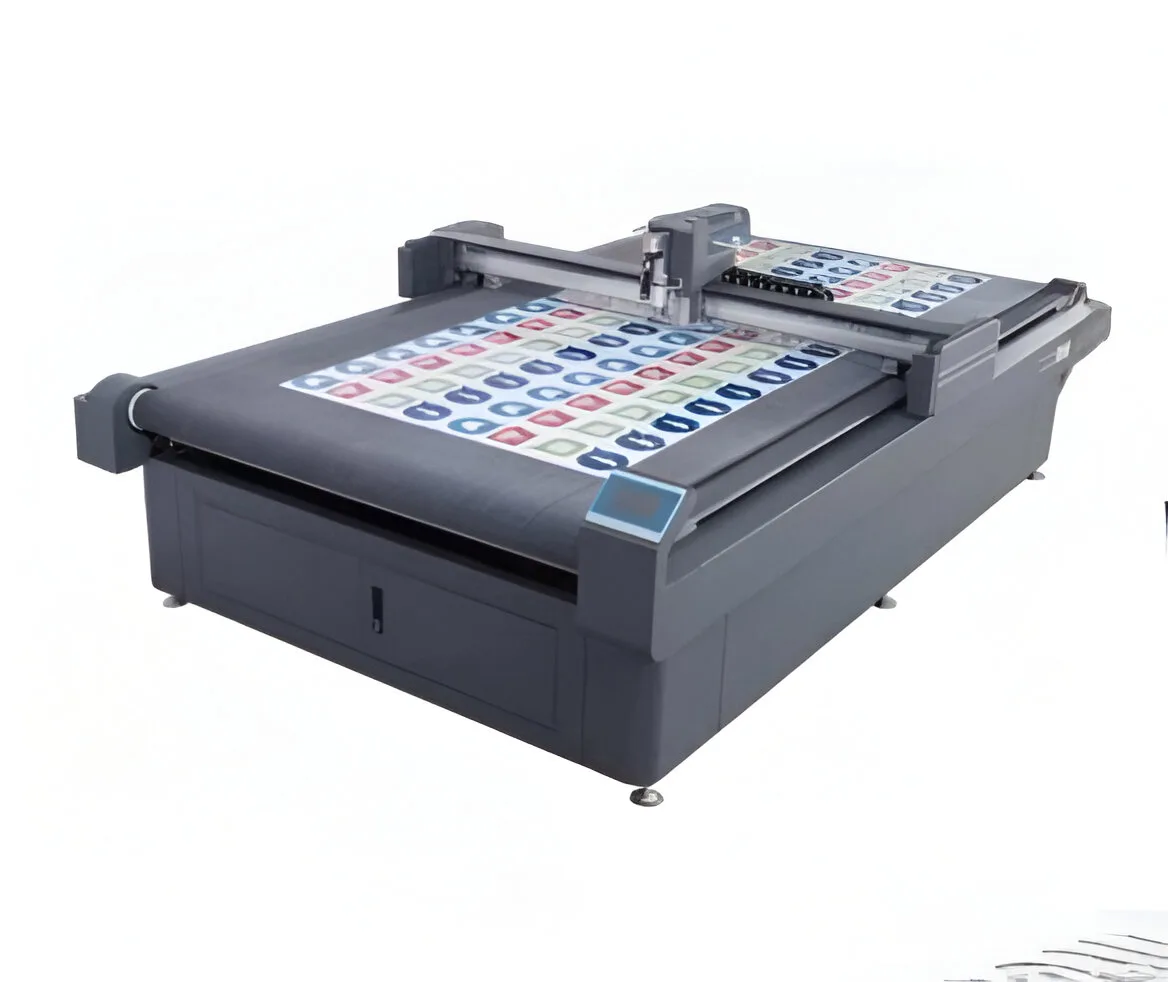
A digital cutting machine uses computer-controlled cutting tools to cut, contour, crease or finish compatible media according to digital artwork and predefined cutting paths. Unlike conventional manual trimming, the cutting process can be digitally guided and repeated.
Digital tool paths allow detailed shapes and repeatable finishing.
Automating repetitive cutting can reduce dependence on manual trimming.
Digital cutting is useful for short runs, prototypes and custom-shaped products.
Digital files can be reused for repeat jobs and consistent output.
A digital cutting machine is a computer-controlled finishing system that follows digital cutting paths to cut, contour, crease or otherwise process compatible media.
Smart cutting tables are used for digital finishing applications such as stickers, decals, posters, packaging prototypes, signage and other compatible printed media.
Contour cutting means cutting around the shape or outline of printed artwork rather than simply making straight or rectangular cuts.
It is a cutter that uses an optical system to read registration marks on printed artwork and use those marks to align the cutting path.
Yes. Compatible digital cutters can be used for packaging prototypes, short-run packaging and custom-shaped packaging work.
Consider the working area, cutting pressure, registration system, media-fixing method, available tools, software workflow, materials and production volume.
A digital cutting system becomes most valuable when it works together with your printer, laminator and finishing workflow.
Digital contour cutting for compatible applications.
Streamline repetitive finishing operations.
Support stickers, packaging, signage and display work.
Connect printing, lamination and cutting.
Check the registration marks, artwork setup, media position and optical reading process.
Check the media-fixing system and make sure the material is properly positioned.
Review blade/tool selection, cutting pressure and material settings.
Check the artwork path, tool condition, speed, pressure and material suitability.
A smart cutting table becomes even more useful when it is integrated into a complete print-finishing workflow.
Add a suitable finishing film when the application requires lamination.
Explore Laminators →Use the smart cutting table to produce accurate custom shapes.
Explore Smart Cutters →Complete quality checks and prepare the finished product for delivery or installation.
Start with the products you actually produce. Then match the machine's working area, cutting pressure, tool options, registration system and media handling to those requirements.
Choose a cutting area that accommodates the sheet sizes and products you regularly produce.
Make sure the available pressure matches the materials you need to process.
Optical registration is especially important for accurate contour cutting of printed graphics.
Check whether the machine supports the cutting, creasing or other finishing tools required.
Vacuum or mechanical fixation can help keep media stable during cutting.
Consider how the cutter will fit into your UV, solvent, eco-solvent or other print workflow.
Digital cutting can be particularly useful when packaging businesses need prototypes, samples, custom shapes or short-run designs without producing dedicated physical dies.
Create sample packaging structures before full production.
Suitable configurations can perform cutting and creasing operations on compatible media.
Produce packaging structures with custom contours and dimensions.
Digital workflows are useful when the job does not justify traditional die production.
| Factor | Digital Cutting | Manual Trimming |
|---|---|---|
| Shape Accuracy | Digitally controlled | Operator dependent |
| Repeat Jobs | Digital file can be reused | Manual setup repeated |
| Complex Contours | Suitable for programmed paths | More difficult to reproduce consistently |
| Short Custom Jobs | Well suited to digital workflows | Often more manual handling |
Prepare the graphic, contour path or packaging design digitally.
Produce the graphic using the appropriate UV, solvent, eco-solvent or other printer.
Position the printed material on the cutting table and secure it.
The optical system detects registration marks on supported printed jobs.
The machine follows the digital cutting path to complete the finishing operation.
| Configuration | Max Contour Area | Max Cutting Area |
|---|---|---|
| CS-FBC A3+ | 336 × 494 mm | 346 × 516 mm |
| CS-FBC 4560 | 450 × 600 mm | 460 × 610 mm |
| CS-FBC 6090 | 600 × 900 mm | 610 × 910 mm |
| CS-FBC 76106 | 760 × 1060 mm | 770 × 1070 mm |
Always verify the current specification and compatible material requirements with Caldron Graphics before purchasing.
Choose the digital cutter configuration according to print size, finishing requirements and production volume.
Optical registration can identify printed marks and align contour cuts to the artwork.
Higher available cutting pressure can support a wider range of compatible media.
Vacuum or mechanical fixing systems help keep the material stable during cutting.
A precision drive system supports controlled movement along the cutting path.
Straightforward connectivity can simplify transferring cutting jobs to the machine.
Different working areas allow buyers to match the cutter to their production scale.
The exact material capability depends on the cutter, blade/tool configuration and media. Common applications include the following.
Contour cut custom stickers, labels and printed adhesive graphics.
Create custom-shaped decals and graphic elements from compatible vinyl media.
Cut and crease suitable boards and sheets for short-run packaging concepts.
Trim and shape printed posters and display graphics.
Finish custom-shaped signage and compatible flexible or rigid graphic media.
Cut suitable printed transfer media produced by compatible UV DTF workflows.
Manual trimming can become difficult when a print shop handles large quantities of custom-shaped graphics, decals, packaging prototypes or detailed contour cuts.
A digital cutting workflow allows the artwork to guide the cutting process, while optical registration technology can align the cutter to printed registration marks on compatible jobs.